1.1 Overview of the Roblox Platform and Game Economy
Roblox is not a game but a platform that allows developers to create, share, and monetize their own games. Read more in the Roblox Creator Hub documentation.
It functions similarly to Steam, providing a hub where users can access a wide variety of user-generated games.
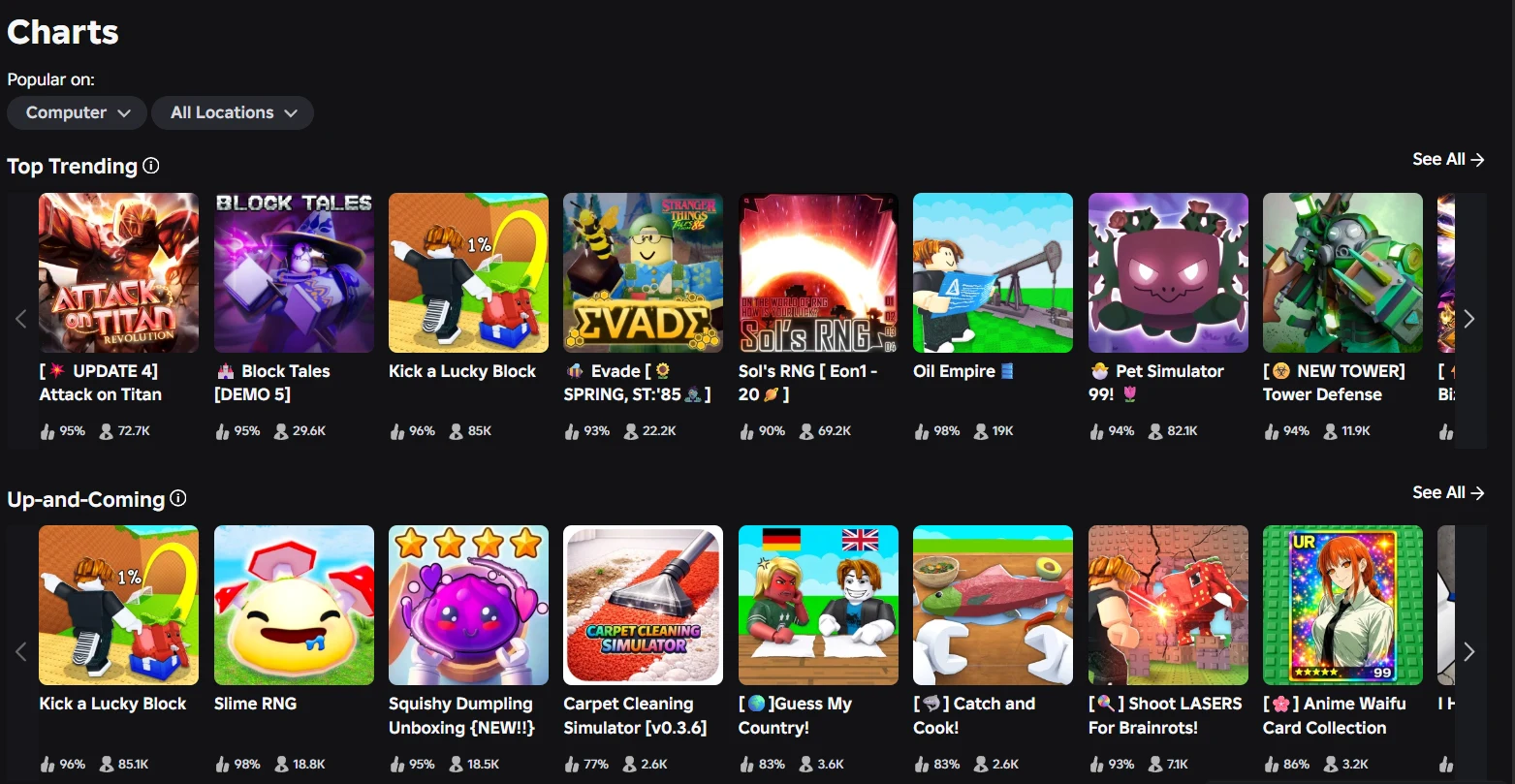
Key aspects of the platform include:
Roblox Studio
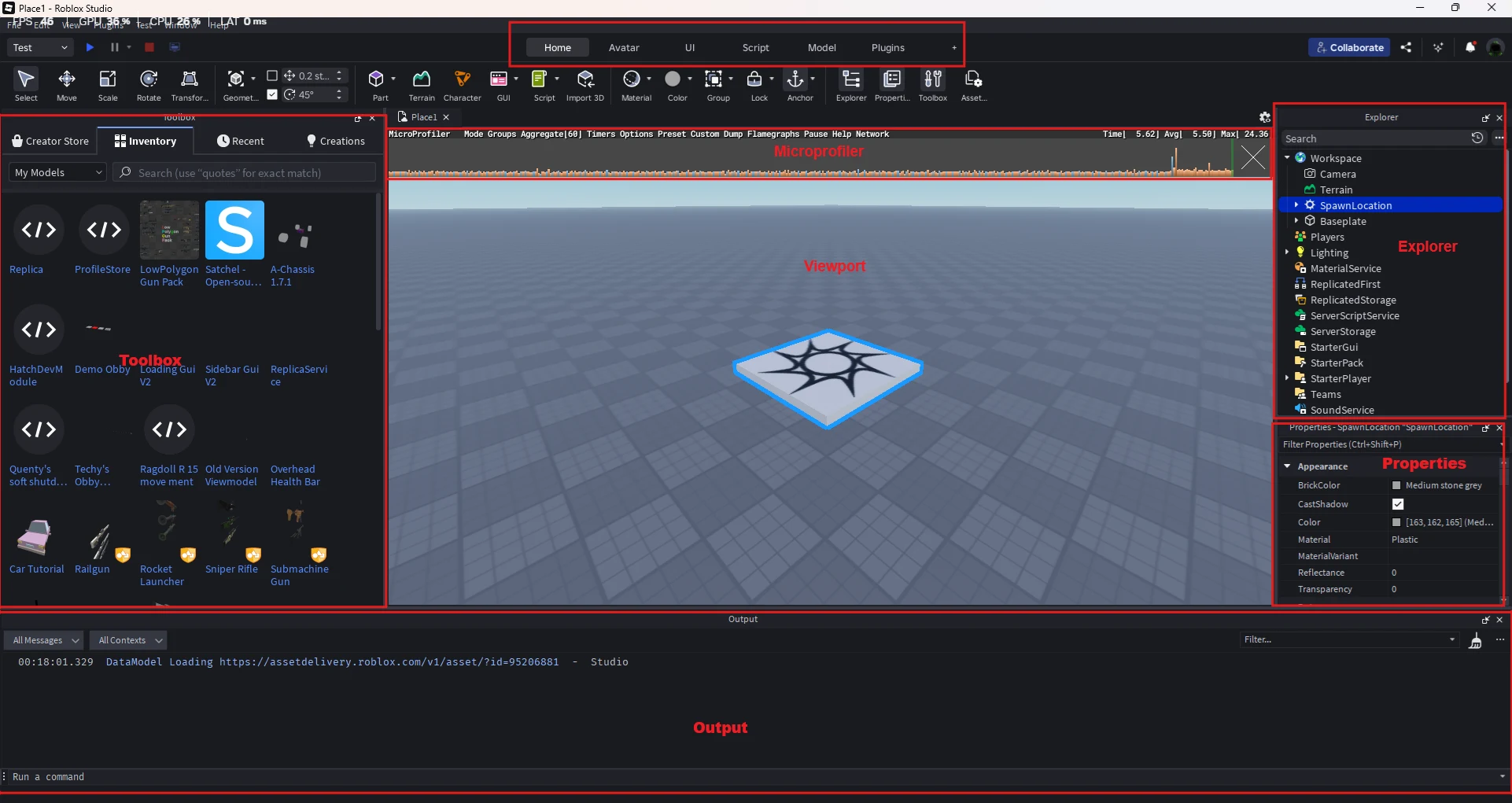
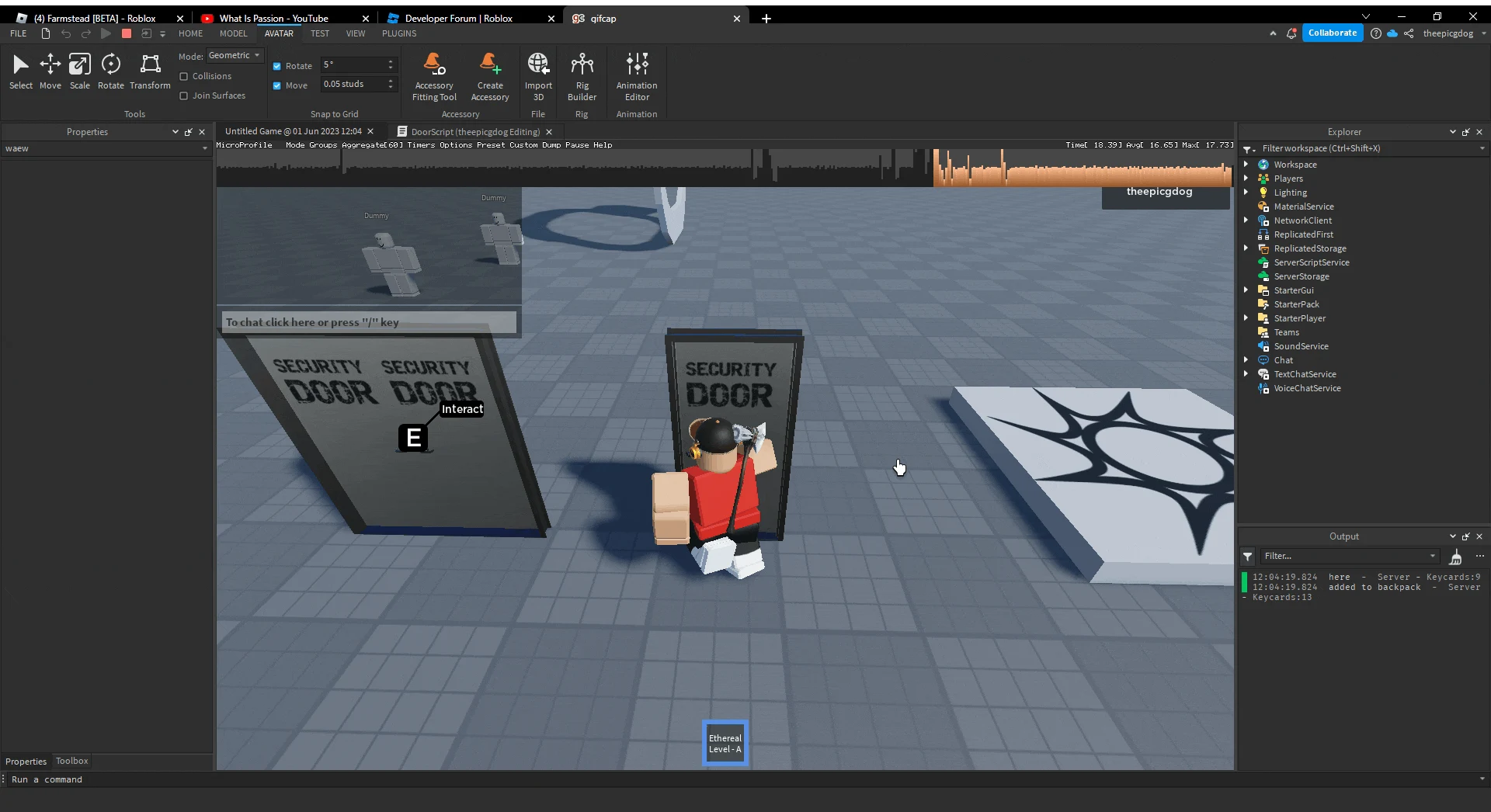
Roblox Studio is the primary development tool for creating games on the platform. It provides a robust yet accessible environment for developers of all skill levels, utilizing the Lua scripting language (similar to Python) to bring interactive experiences to life.
Studio offers built-in assets, terrain generation, and scripting capabilities, allowing for everything from simple obstacle courses to complex multiplayer experiences. Developers can test and iterate on their games in real time, ensuring a streamlined development process.
Monetization & Robux Economy
The Creator Hub’s monetization guide covers this in more depth.
Understanding Robux: the main currency of Roblox
What is Robux? Robux (R$) is the primary virtual currency used in Roblox. It allows players to purchase in-game items, accessories, avatar customization options, and other digital goods. For developers, Robux serves as the foundation of the Roblox economy, enabling them to monetize their creations and earn real-world income.
How can Robux be earned?
There are several ways users and developers can earn Robux on the platform:
Purchasing with real money
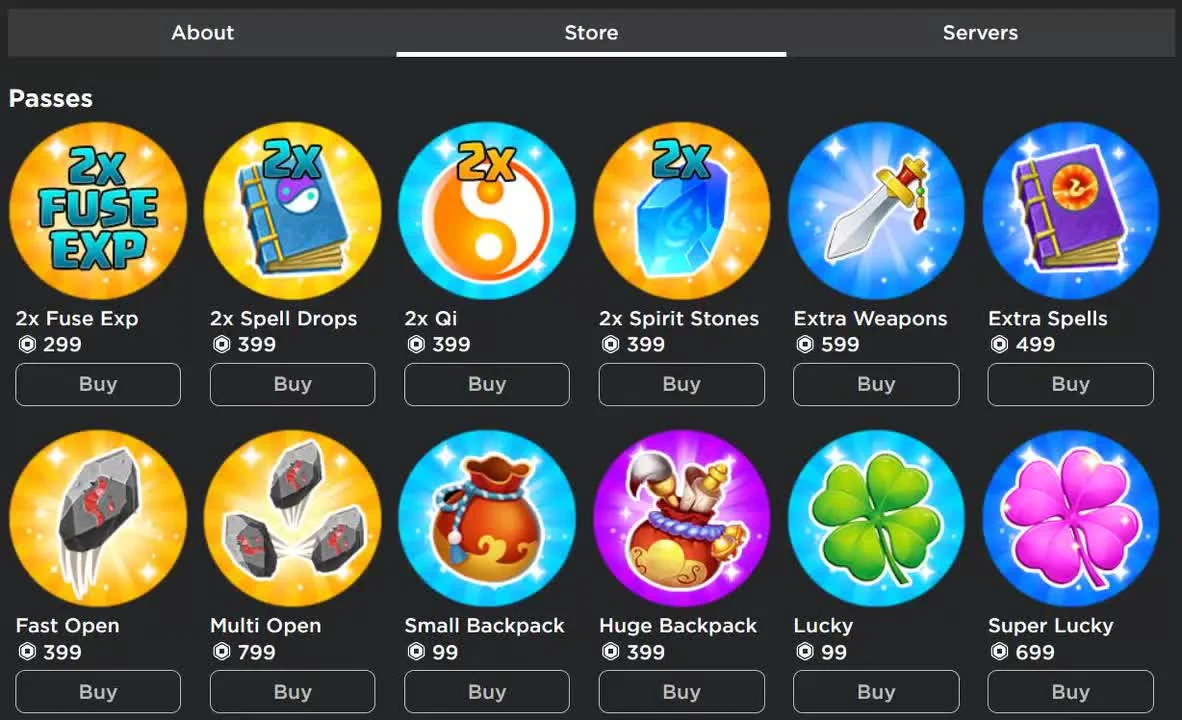
Game Pass sales
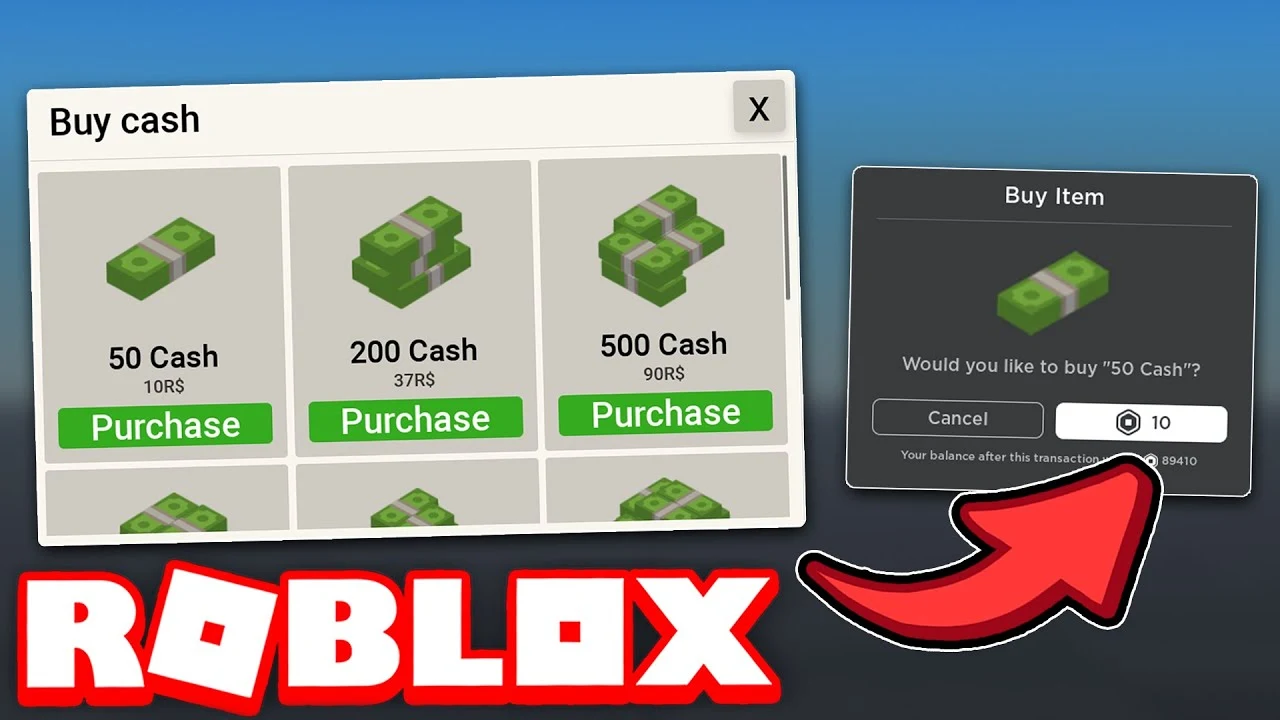
Developer Products
Creator Rewards
Roblox Marketplace
Group revenue sharing
How much does Robux cost?
Robux can be purchased at the following rates:
| Robux | Price |
|---|---|
| 400 Robux | $4.99 USD |
| 800 Robux | $9.99 USD |
| … and so on |
Users with a Roblox Premium subscription receive a monthly Robux stipend and a discount on certain purchases:
| Plan | Price | Robux each month |
|---|---|---|
| Premium 450 | $4.99/month | 450 |
| Premium 1,000 | $9.99/month | 1,000 |
| Premium 2,200 | $19.99/month | 2,200 |
How much do creators earn from Robux sales?
Roblox takes a 30% platform fee from most transactions, meaning developers and sellers receive approximately 70% of the purchase price in Robux.
For example:
| Sale | Price | Creator receives |
|---|---|---|
| A game pass | 100 Robux | 70 Robux after fees |
| An avatar UGC (user generated content) item | 500 Robux | 350 Robux after fees |
This revenue split is designed to support the platform’s infrastructure while allowing developers to monetize their content effectively.
Roblox Developer Exchange (DevEx) Program
The Developer Exchange (DevEx) Program allows eligible developers to exchange their earned Robux for real-world currency. The exchange rate is:
Games can generate revenue through in-game purchases, game passes, developer products, and premium payouts (now called Engagement Rewards/Creator Rewards).
Community Engagement
Building a successful Roblox game isn’t just about launching a game; it’s about creating a community around it. Developers need to actively engage with their player base through updates, events, and social features like leaderboards, group integrations, and in-game social systems.
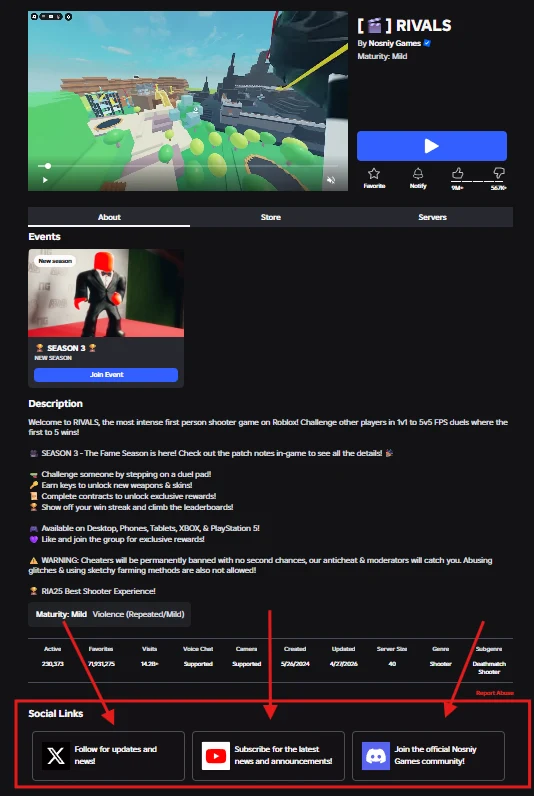
Additionally, the majority of Roblox’s top games have linked Discord servers, Twitter communities, and other social media platforms where players can join to socialize, report bugs, request features, and stay up to date with the latest updates. Encouraging user feedback and responding to players’ needs through these external communities can significantly boost retention and help a game gain traction within the platform’s vast ecosystem.
Updates & Live Operations
Games on Roblox thrive when they are continuously updated. Live operations involve rolling out new content, fixing bugs, and balancing gameplay based on player feedback. Regular updates keep players returning, and time-limited events or seasonal content can create spikes in engagement. Automation tools, such as analytics dashboards, can help developers track performance metrics and optimize their games for a better user experience.
Marketplace & UGC
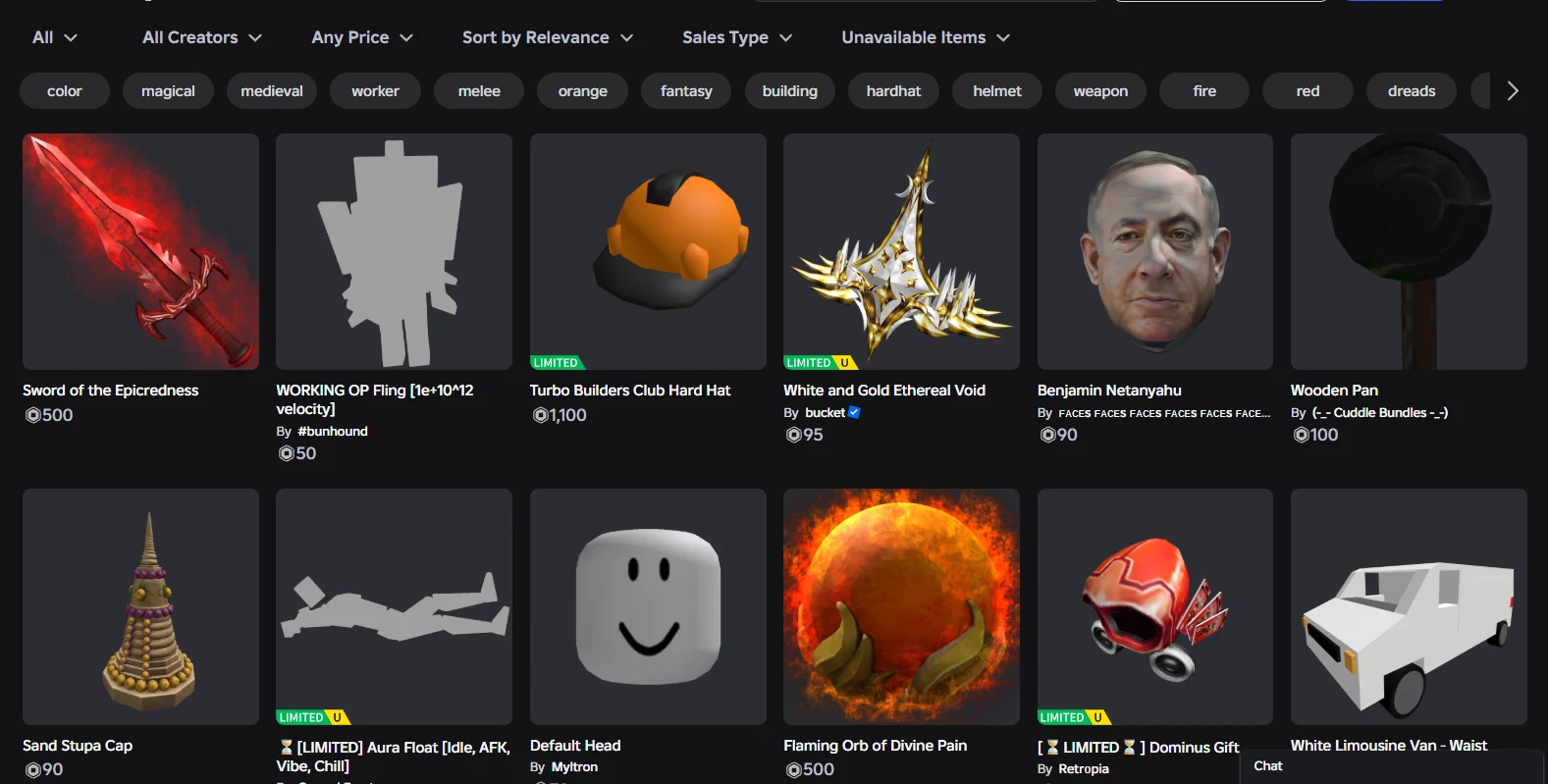
One of Roblox’s most unique aspects is its marketplace, which allows developers and players to buy, sell, and trade user-generated content (UGC). This includes avatar items, accessories, and even in-game assets. Developers can also create and sell virtual goods within their games, enhancing monetization opportunities while giving players more ways to personalize their experiences. The UGC program allows approved creators to design and sell their own items, further expanding the economic opportunities within Roblox’s ecosystem.
1.2 Understanding the Role of a Studio Lead
A Studio Lead is responsible for guiding a team towards the successful completion of a project. Leadership in game development is more than just managing tasks and writing code; it involves setting a vision, fostering creativity, and ensuring team collaboration.
Key responsibilities include:
Setting a clear vision
Team coordination
Decision-making
Following industry trends
Problem-solving
Motivation & communication
Iterative development
1.3 Essential Skills for Managing a Game Development Team on Roblox
A game Studio Lead must possess a mix of technical, managerial, and interpersonal skills. Some essential skills include:
Technical skills
- Lua scripting
- Mastering Lua, the core scripting language of Roblox Studio, is essential for efficient game development. Familiarity with popular frameworks like Knit and open-source tools like ProfileStore can streamline development and help set up a studio quickly and efficiently. Additionally, utilizing tools like Rojo alongside Visual Studio Code enhances workflow by enabling better organization, version control, and collaboration.
- Game design principles
- Knowledge of level design, UI/UX, and game mechanics.
- Project management tools
- Familiarity with tools like Trello, Jira, GitHub or even Discord for team collaboration.
Managerial skills
- Time management
- Ensuring deadlines are met and resources are efficiently utilized.
- Budgeting & monetization strategy
- Planning financial aspects to sustain development and growth.
- Crisis management
- Handling unforeseen challenges effectively to minimize disruptions.
Interpersonal skills
- Communication
- Clearly conveying ideas and feedback to the team.
- Collaboration
- Working effectively with different team members, including artists, programmers, and marketers.
- Conflict resolution
- Managing disputes and ensuring a healthy work environment.
- Adaptability
- Being open to changes and evolving trends in game development.
What to do now
Nothing to hand in.
This module is information only. Keep it as a reference for later.
Deadline TBD